How to Build a Powerful PC in 2026 Without Wasting Money: Part 2
In Part 1, we looked at the components that most directly affect performance, thermals, and overall system behavior: CPU, GPU, cooling, case design, and airflow. In Part 2, we will focus on the less glamorous parts that often determine whether a computer remains stable, quiet, and reliable for years.
This is where many builders quietly waste hundreds of dollars. Motherboards, memory, SSDs, and power supplies are full of marketing traps. The trick is not to buy the most expensive option in every category. The trick is to understand what actually matters.
The Motherboard Trap
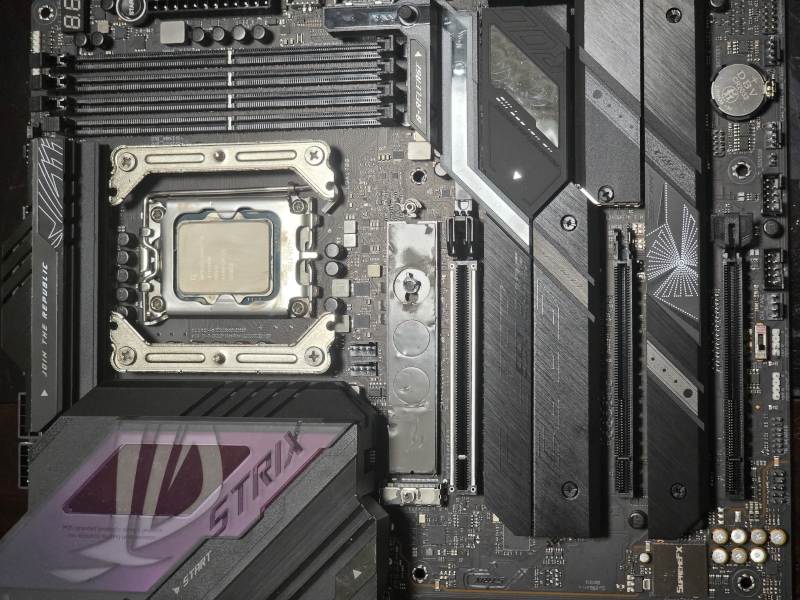 Expensive hardware does not automatically guarantee a better computer. Even premium motherboards and flagship CPUs still require proper BIOS configuration, realistic power limits, and adequate cooling.
One of the easiest ways to overspend on a modern PC build is buying a motherboard packed with features you will never actually use.
Many buyers assume that a more expensive motherboard will somehow make the computer faster. In reality, motherboard performance differences are often very small once you move beyond the entry-level segment.
For most gaming and workstation builds, even a reasonably priced ATX motherboard already provides:
- multiple NVMe SSD slots,
- high-speed networking,
- Wi-Fi,
- plenty of USB connectivity,
- PCIe 5.0 support,
- and reliable CPU power delivery.
Even many microATX boards now include two NVMe slots, while mainstream ATX boards commonly offer four. Yet many buyers willingly spend another $100–200 to get a fifth slot that will most likely remain empty for the entire life of the computer.
The same applies to USB connectivity. Marketing departments love advertising twenty USB ports, but most users never come close to using half of them.
When evaluating a motherboard, it is usually far more important to focus on:
- quality VRM design and cooling,
- heatsinks for NVMe drives,
- BIOS maturity and stability,
- networking options,
- and expansion requirements you realistically plan to use.
For example, within MSI’s product stack, a board from the MAG series is often more than sufficient for the majority of gaming and productivity systems. Spending hundreds more on flagship models may provide extra connectivity, decorative features, and extreme overclocking options that many users will never use.
A balanced motherboard choice often frees up enough budget for a better graphics card, larger SSD, higher-quality power supply, or better cooling — upgrades that usually provide far greater real-world value.
The High-Speed Memory Trap
Memory manufacturers love advertising ever-increasing DDR5 frequencies. At first glance, DDR5-8000, DDR5-8400, or even DDR5-9000 kits seem like obvious upgrades over more conventional memory.
In reality, things are rarely that simple.
As memory frequencies increase, motherboard requirements become significantly more demanding. Achieving stability at extreme speeds often requires premium motherboards with advanced PCB designs, stronger memory trace layouts, and mature BIOS support. These boards can cost hundreds of dollars more than mainstream alternatives.
In some enthusiast builds, users push memory frequencies so high that they end up running a single memory module because their desired speed becomes difficult or impossible to maintain with a typical dual-channel configuration.
Ironically, this can reduce total memory bandwidth compared to a more conventional dual-channel setup running at lower frequencies.
For most gaming and productivity systems, a stable dual-channel DDR5 configuration with sensible timings will provide far more real-world value than chasing record-setting memory speeds.
We have seen many systems advertised with extremely fast memory kits only to discover they were running at default JEDEC speeds or suffering from stability problems that erased any theoretical performance advantage.
A stable DDR5-5600 or DDR5-6000 configuration is often a better investment than spending hundreds of dollars chasing DDR5-8000+ speeds that provide little measurable benefit outside of synthetic benchmarks.
The goal should never be the highest number printed on the memory box. The goal should be a system that remains fast, stable, and reliable every day.
The SSD Trap
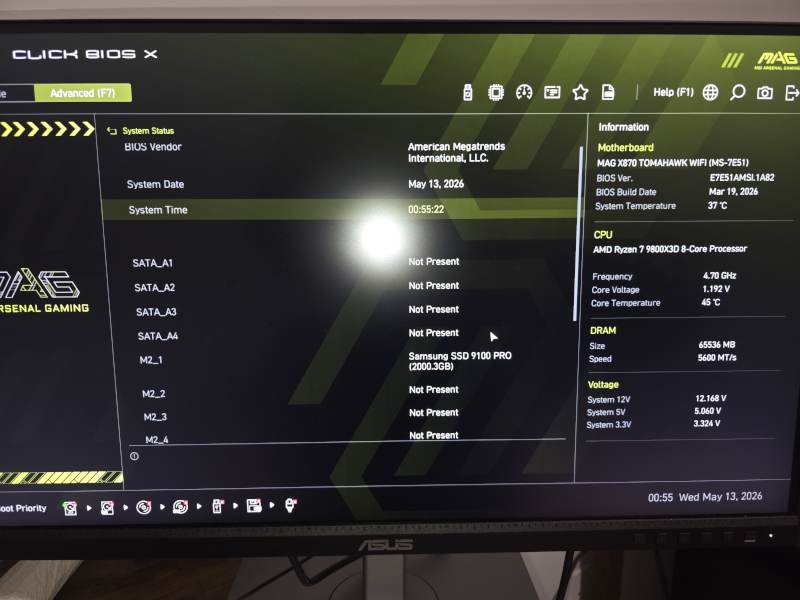 Most modern ATX motherboards already provide more NVMe expansion than most users will ever need. Before paying extra for another M.2 slot, ask how many drives you will realistically install.
Storage marketing has become increasingly focused on benchmark numbers. Manufacturers compete to advertise ever-higher sequential read and write speeds, often exceeding 10,000 MB/s on modern PCIe 5.0 drives.
These numbers look impressive on product pages, but they rarely translate into noticeable differences for typical users.
Booting Windows, launching applications, browsing the web, editing documents, and even most gaming workloads often show surprisingly little difference between a quality PCIe 4.0 SSD and the latest flagship PCIe 5.0 models.
Instead of focusing only on advertised speeds, buyers should pay closer attention to drive architecture and component quality.
For example:
- TLC NAND is generally preferable to QLC NAND for long-term reliability and sustained performance.
- Drives equipped with dedicated DRAM cache typically handle heavy workloads more gracefully than DRAM-less alternatives.
- Better SSD product lines often receive stricter validation, improved firmware support, and higher endurance ratings.
In other words, a well-designed PCIe 4.0 TLC SSD with DRAM cache is frequently a better investment than a budget PCIe 5.0 drive built around lower-end components.
For many users, choosing a reliable SSD and spending the savings elsewhere in the system provides significantly more value than chasing benchmark records that are rarely noticeable outside synthetic tests.
Storage speed sells computers. Storage reliability keeps them running.
The Power Supply Trap
One of the most misunderstood components in modern PC building is the power supply.
Many buyers focus almost exclusively on efficiency ratings such as 80+ Gold or 80+ Platinum while ignoring the actual quality of the platform behind the label.
Unfortunately, an efficiency certification only measures power conversion efficiency. It does not guarantee build quality, component selection, voltage regulation, protection circuitry, or long-term reliability.
We have encountered systems equipped with supposedly "premium" “80+ Gold” power supplies that failed long before the rest of the hardware showed any signs of trouble.
A well-designed power supply from a reputable manufacturer is often a far better investment than chasing a higher certification badge from an unknown brand.
Another common misconception involves modular cabling.
Many builders automatically assume that fully modular power supplies are always superior to semi-modular models. In reality, the permanently attached cables on a semi-modular unit are typically the exact cables every system requires anyway:
- 24-pin motherboard power,
- 8-pin CPU power.
Since these cables are installed in virtually every PC anyway, the practical benefit of making them detachable is often questionable.
Every additional electrical connection is another potential failure point. While quality modular connectors are generally reliable, adding extra connections does not improve electrical performance, stability, or longevity. If anything, the opposite is true.
For most builders, the difference between a good semi-modular and fully modular power supply is largely cosmetic. Platform quality, protections, and component selection remain far more important than whether every cable can be unplugged.
When evaluating a PSU, it is generally more important to focus on:
- platform quality,
- protection circuitry,
- voltage regulation,
- warranty length,
- and manufacturer reputation.
A reliable power supply can survive multiple system upgrades. A poor one can destroy components worth thousands of dollars.
Final Thoughts
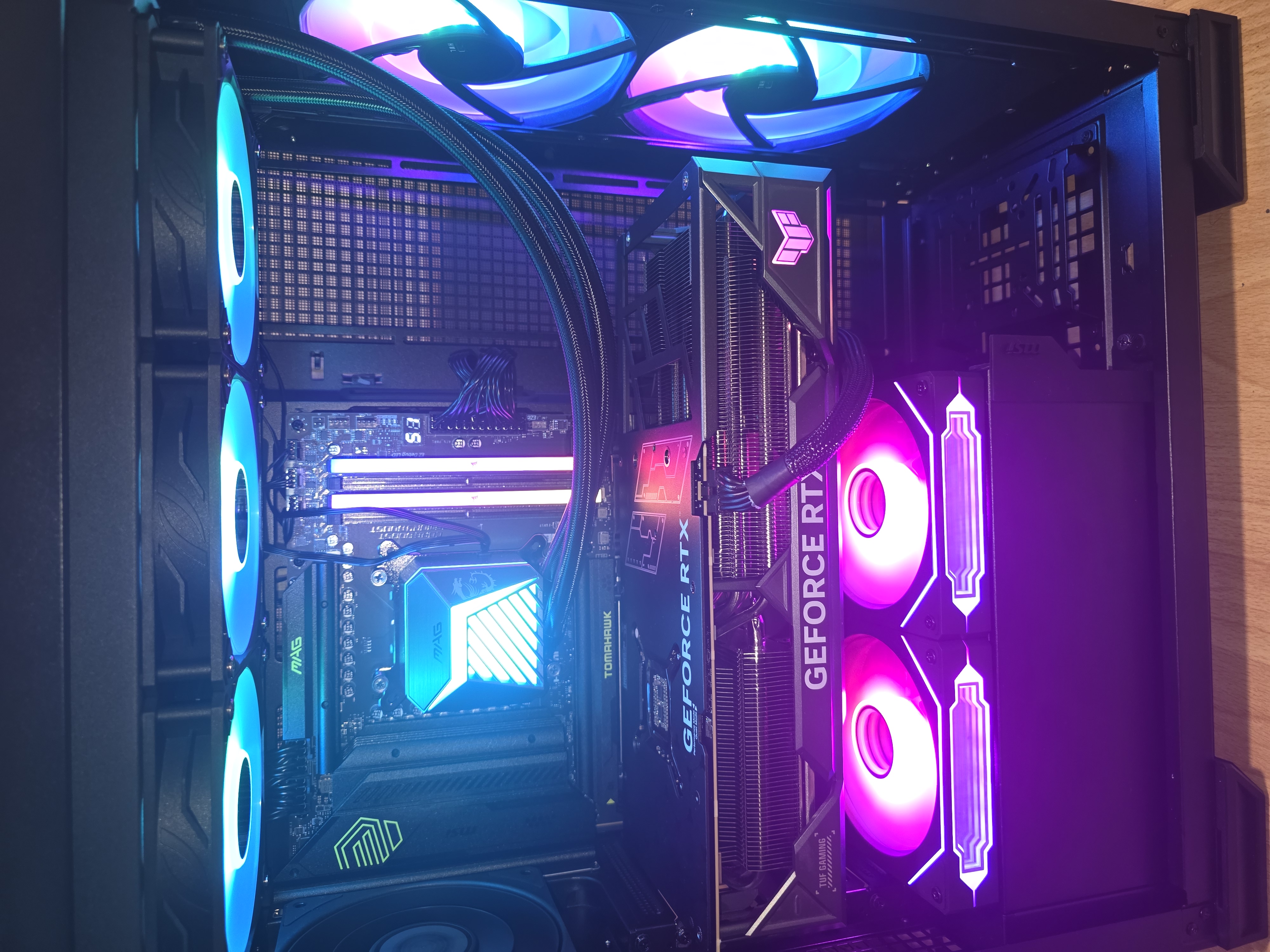
In 2026, building a powerful computer is no longer about buying the most expensive component in every category.
It is about understanding where performance actually comes from and avoiding the traps created by marketing departments.
A balanced system built around sensible component choices will often outperform a significantly more expensive build while running cooler, quieter, and more reliably.
The goal is not to build the most expensive PC. The goal is to build the smartest one.
Need help planning or building a custom gaming PC or workstation in South Florida? Sfixy provides custom PC builds, upgrades, airflow optimization, and stability-focused hardware diagnostics.